
How to Open Your ElectroSpec Course in the Kajabi App
Oct 20, 2026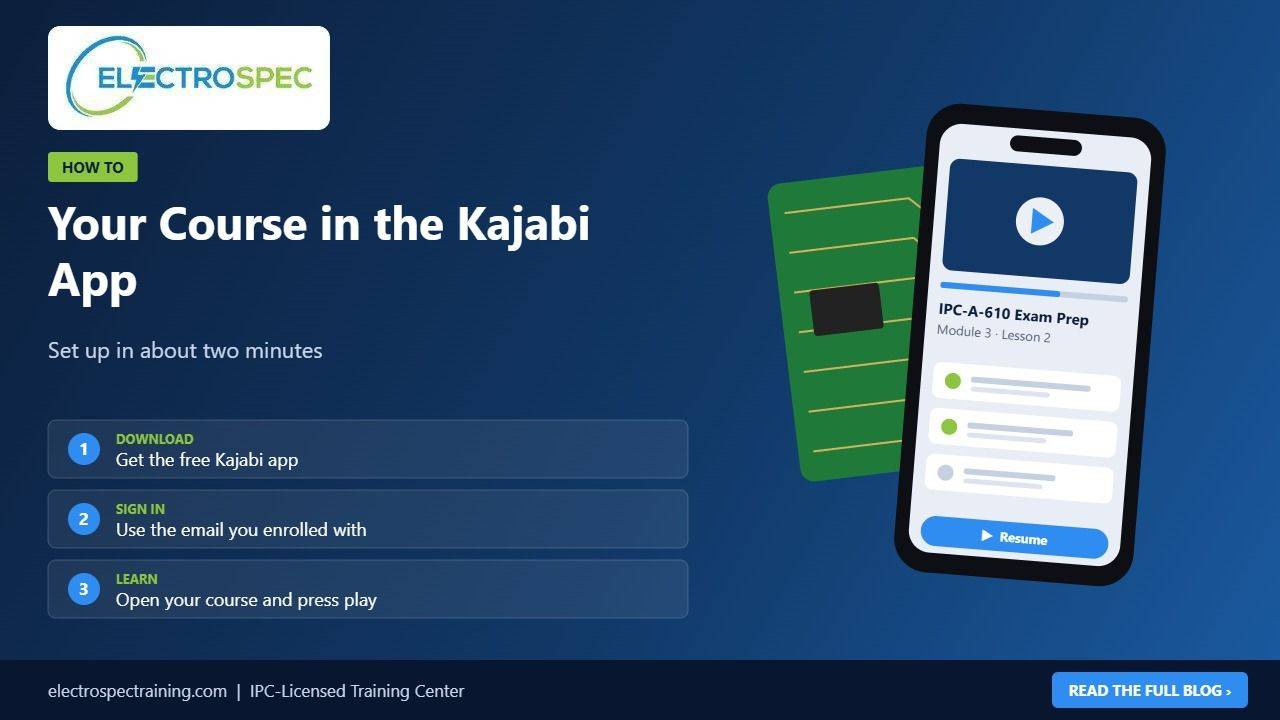
Getting your ElectroSpec course on your phone takes about two minutes. Here's how.
Step 1: Download the app
Search for Kajabi in the App Store (iPhone and iPad) or Google Play (Android) and install it. The app is free.
Step 2: Sign in with your enrollment email
Enter the same email address you used when you enrolled with ElectroSpec. The app will send you a confirmation link. Open it, and you're signed in.
If your company enrolled you, use the email address they registered for you.
Step 3: Open ElectroSpec Training
If you take courses from more than one Kajabi site, choose ElectroSpec Training from your list of sites. Your enrolled courses appear in your library.
Step 4: Start learning
Tap your course, choose a module and press play. Lessons you finish are marked complete, and the Resume button brings you back to your last lesson next time.
Tips for a smooth start
- Keep the app updated for the latest features.
- Use Wi-Fi when you can. Video uses mobile data.
- Earbuds help on a noisy shop floor or train.
- Your progress syncs, so you can switch between phone and computer any time.
Prefer a browser?
You can always sign in on a computer or in your phone's browser at electrospectraining.com/library. Use the browser for open-book practice, and use the app for lessons on the go.
Can't find your course?
Check that you're signed in with the email you enrolled with. Still stuck? Contact us and we'll get you in.