
Online IPC Testing: What Students Should Expect
Oct 03, 2026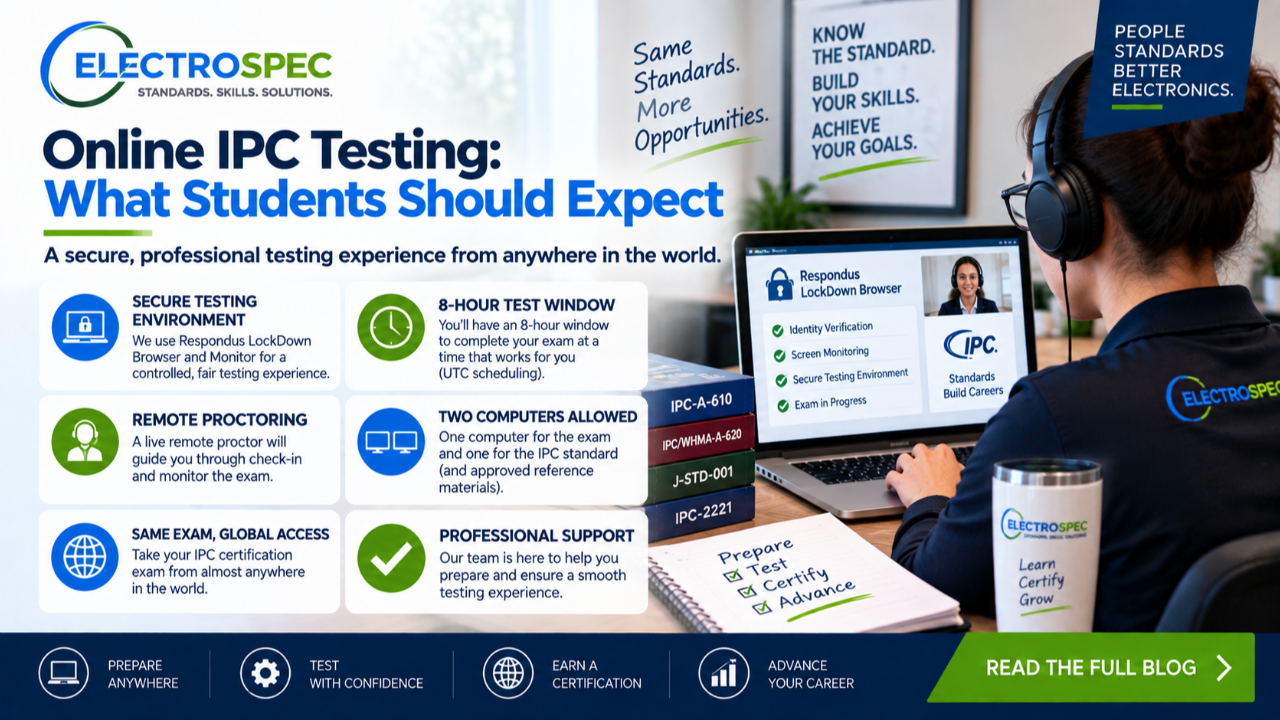
Online IPC testing can be convenient, but students should prepare carefully.
Remote and online exams require more than knowing the course material.
Students also need the right computer setup, internet connection, browser or software, identification, quiet environment, and understanding of the testing schedule.
A student who prepares the technology and environment early can focus on the exam instead of fighting preventable problems.
Online Testing Is Still a Controlled Exam
Online testing is not casual testing.
It is a controlled certification environment.
Students should expect identity verification, proctor instructions, restrictions on unauthorized materials, and monitoring depending on the exam method.
The goal is to protect exam integrity and ensure that certification results are trustworthy.
Students should follow all instructions from the training center and proctor.
Remote Proctoring May Require Specific Technology
Remote proctoring may require a webcam, microphone, broadband internet connection, and an approved computer system.
The reference materials also identify Respondus LockDown Browser as a requirement for remotely proctored exams.
Students using company computers may need IT support because software installation or administrator rights may be required.
Do not wait until exam day to test the setup.
Prepare the Room
Students should prepare a quiet, distraction-free testing environment.
Remove unauthorized devices, notes, extra screens, phones, and other materials unless specifically allowed.
Make sure lighting is adequate.
Make sure the camera and microphone work.
Make sure the workspace is clean.
If the proctor asks to verify the room or workspace, follow instructions.
Use the Practice Exam When Available
The reference materials identify a proctored practice exam in remote proctored courses.
A practice exam is useful because it helps students confirm technology, browser setup, camera, microphone, and basic system access.
It is not about scoring well.
It is about making sure the process works before the real exam.
Students should take the practice step seriously.
Understand Time Zones
Exam scheduling can create confusion because some systems use UTC or 24-hour time formats.
Students should confirm the scheduled time in their own local time zone before the exam.
Missing the exam because of a time-zone mistake is avoidable.
Companies scheduling multiple students should be especially careful.
Do Not Schedule Overlapping Exams
Students can only take one exam at a time.
If multiple modules are scheduled, the schedule should allow enough time for each exam.
A scheduling error can create unnecessary stress and may affect attempts if the student is timed out.
Students should confirm the plan before testing begins.
Certificates and Results
Online exam results may be available quickly after submission depending on the system and program.
Students should also understand how certificates are downloaded.
The reference materials emphasize that students may need to download certificates through the testing system and that certificate availability may have a limited window.
Students should not ignore certificate download instructions after passing.
Workmanship Assessments Are Different
Some workmanship assessments cannot be handled the same way as remote knowledge exams.
Hands-on workmanship evaluation may require in-person evaluation by authorized trainers.
Students should confirm whether their certification involves online knowledge testing only or also hands-on workmanship assessment.
This prevents wrong assumptions about remote availability.
ElectroSpec Helps Students Prepare for Remote Training
ElectroSpec provides flexible and remote-friendly training options designed to help students prepare around work schedules.
Students can review lessons, study difficult material, and prepare for certification without unnecessary travel when remote or on-demand options are appropriate.
That flexibility is valuable, but students still need to take the testing setup seriously.
Test-Day Checklist
Before testing, students should verify:
- computer works
- camera works
- microphone works
- internet is stable
- LockDown Browser is installed if required
- ID is available
- testing time is confirmed
- room is quiet
- allowed materials are understood
- unauthorized materials are removed
- login information works
- practice exam or system check is complete
Preparation reduces stress.
Final Thought
Online IPC testing can be a practical option for busy students and companies.
But remote convenience does not remove exam discipline.
Students need to prepare the technology, environment, schedule, allowed materials, and login process before exam day.
The better the setup, the more the student can focus on the standard and the exam itself.
Coming Next
IPC-A-610 Certification: What Students Should Know Before Enrolling
In the next article, we will explain what IPC-A-610 certification covers, who it helps, and why assembly acceptability knowledge matters for students, inspectors, operators, engineers, and quality personnel.
Related Reading
Continue Your Certification Path with ElectroSpec
- IPC CID Certification — ElectroSpec
- IPC CID+ Certification — ElectroSpec
- IPC CID/CID+ Bundle — Complete PCB Design Certification — ElectroSpec
- IPC-A-610 Certification & Training Course | ElectroSpec Training
- IPC/WHMA-A-620 Certification & Training Course | ElectroSpec Training
- IPC-A-600 CIS Certification — ElectroSpec